- Home Page /
- Electronics /
- Computers, Laptops and Tablets /
- Printers & Supplies /
- Printers /
- Wireless Printers /
- Brother MFC-J1360DW Work Smart Wireless All-i...
0 ratings

Item #:
174436958
Brother MFC-J1360DW Work Smart Wireless All-in-One Color Printer – Prints on Both Sides, Copies and Scans Multiple Pages, Easy-to-Use Color Display
Item #:
174436958
SCR 2132
Price Details
Excluding Shipping & Custom charges ( Shipping and custom charges will be calculated on checkout )
*All items will import from US
In stock
 Imported from USA store
QTY:
Only 12 items left in stock.
Order now and get it around Tuesday, July 07
Secured transaction
Ubuy works hard to protect your security and privacy. Our advanced payment security system ensures confidentiality by encrypting your information during transmission using AES (Advanced Encryption Standards) and SSL (Secure Socket Layer) protocols. Your payment details are 100% secure as we do not share your payment details with third party sellers.
Our Top Logistics Partners


Looking for reliable printing with robust efficiency-boosting features? The Brother Work Smart 1360 Wireless Color Inkjet All-in-One Printer delivers.

Fast
Shipping

Free
Return*

Secure Packaging

100% Original Products

PCI DSS Compliance

ISO 27001 Certified


Note: Step Down Voltage Transformer required for using electronics products of US store (110-120). Recommended power converters Buy Now.


Product Details
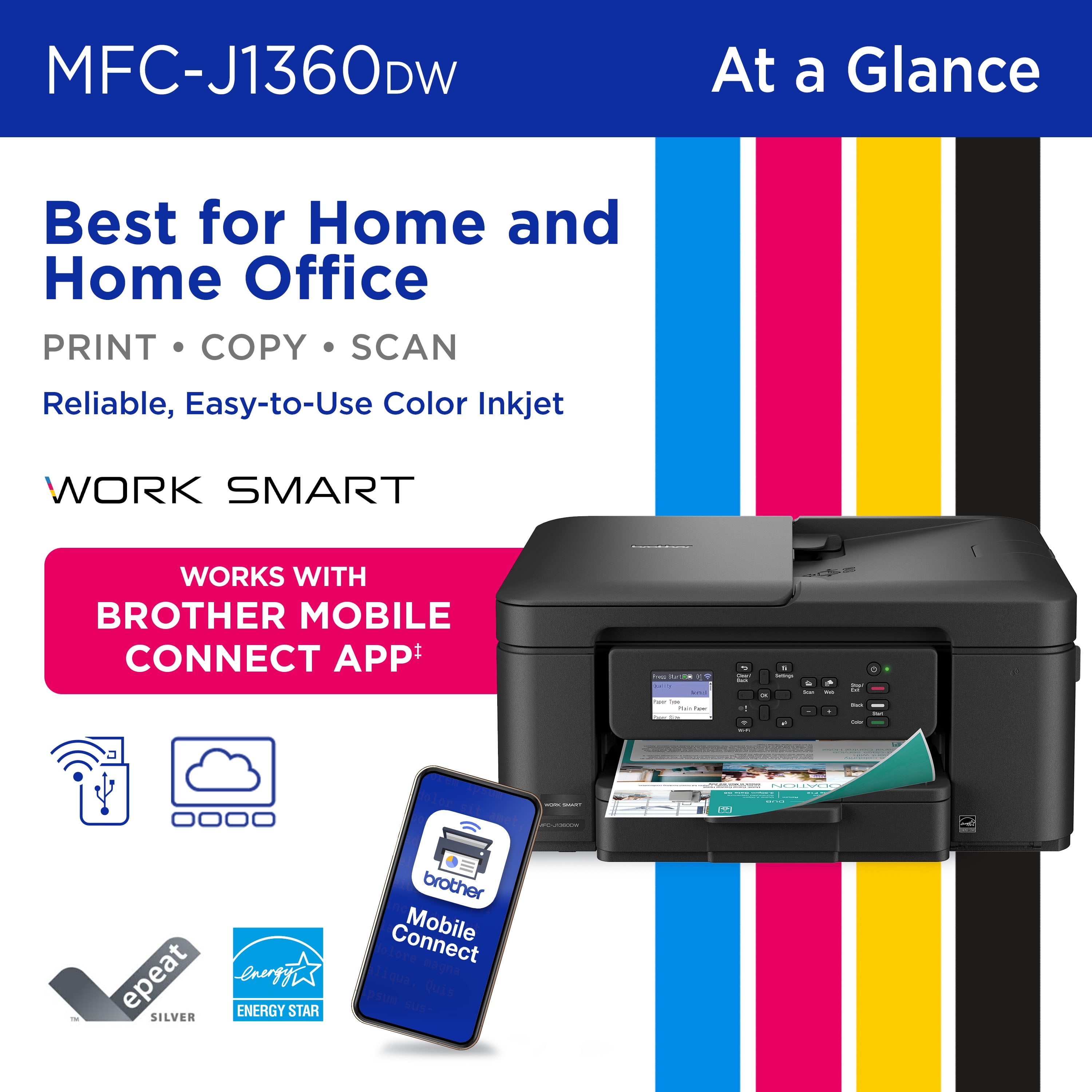
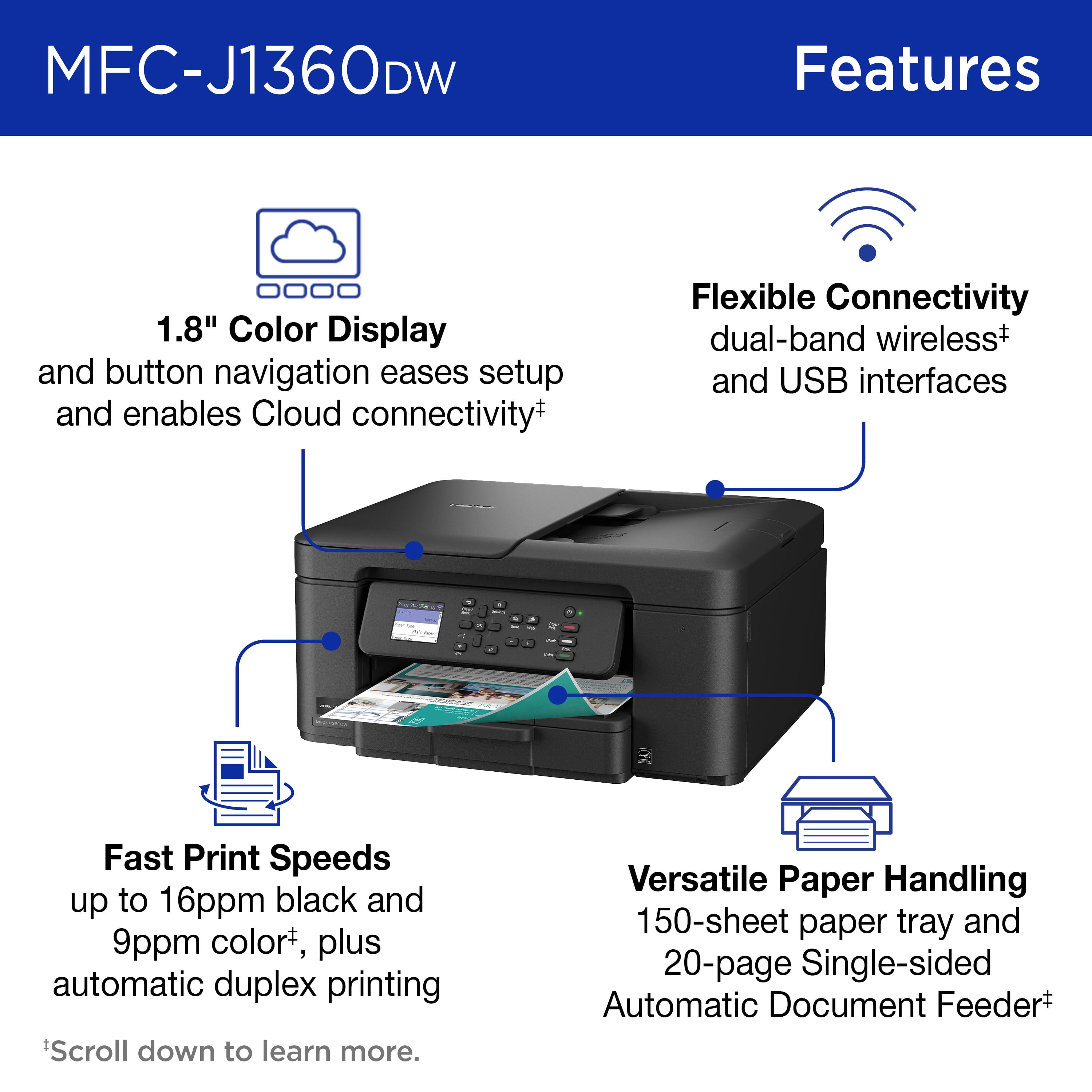
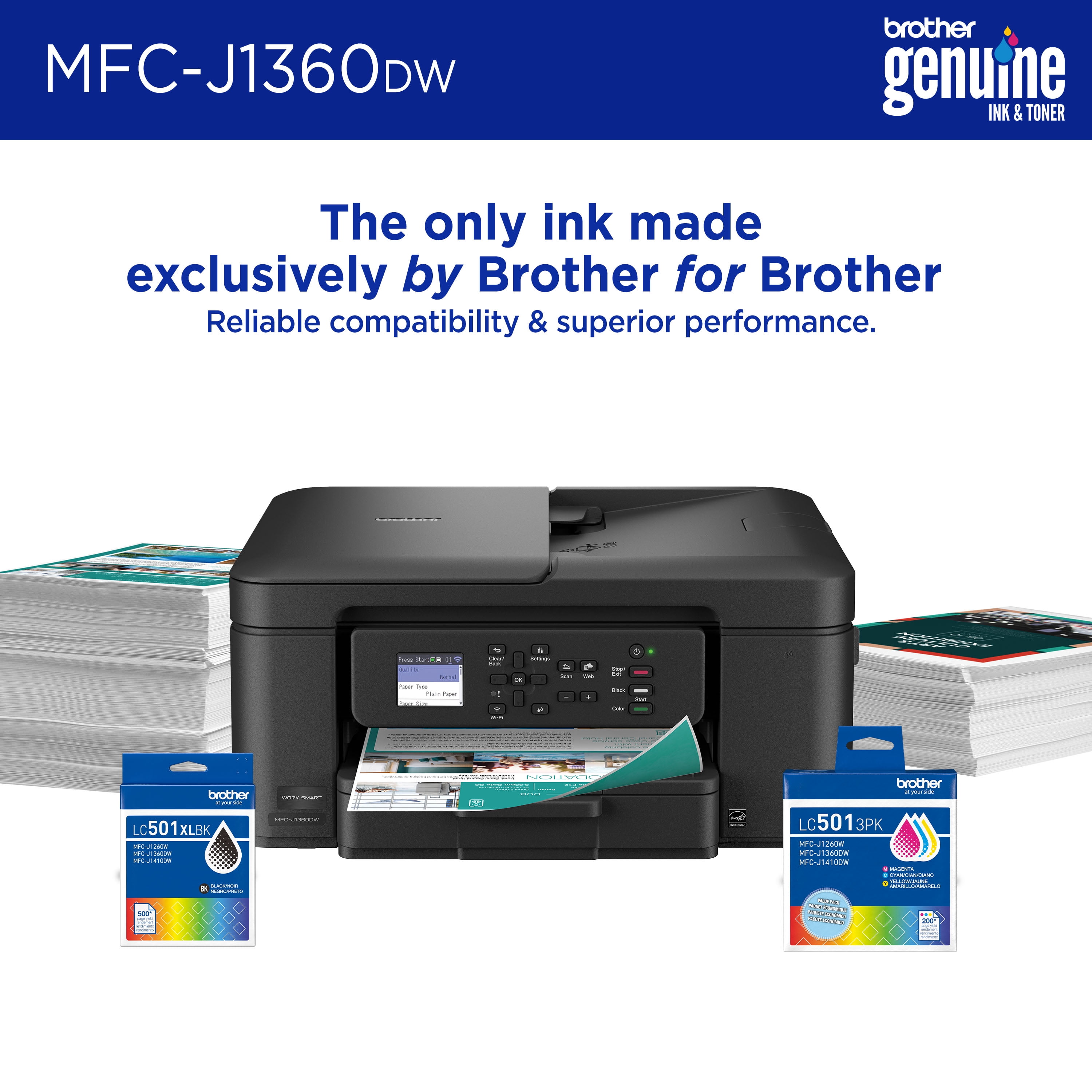
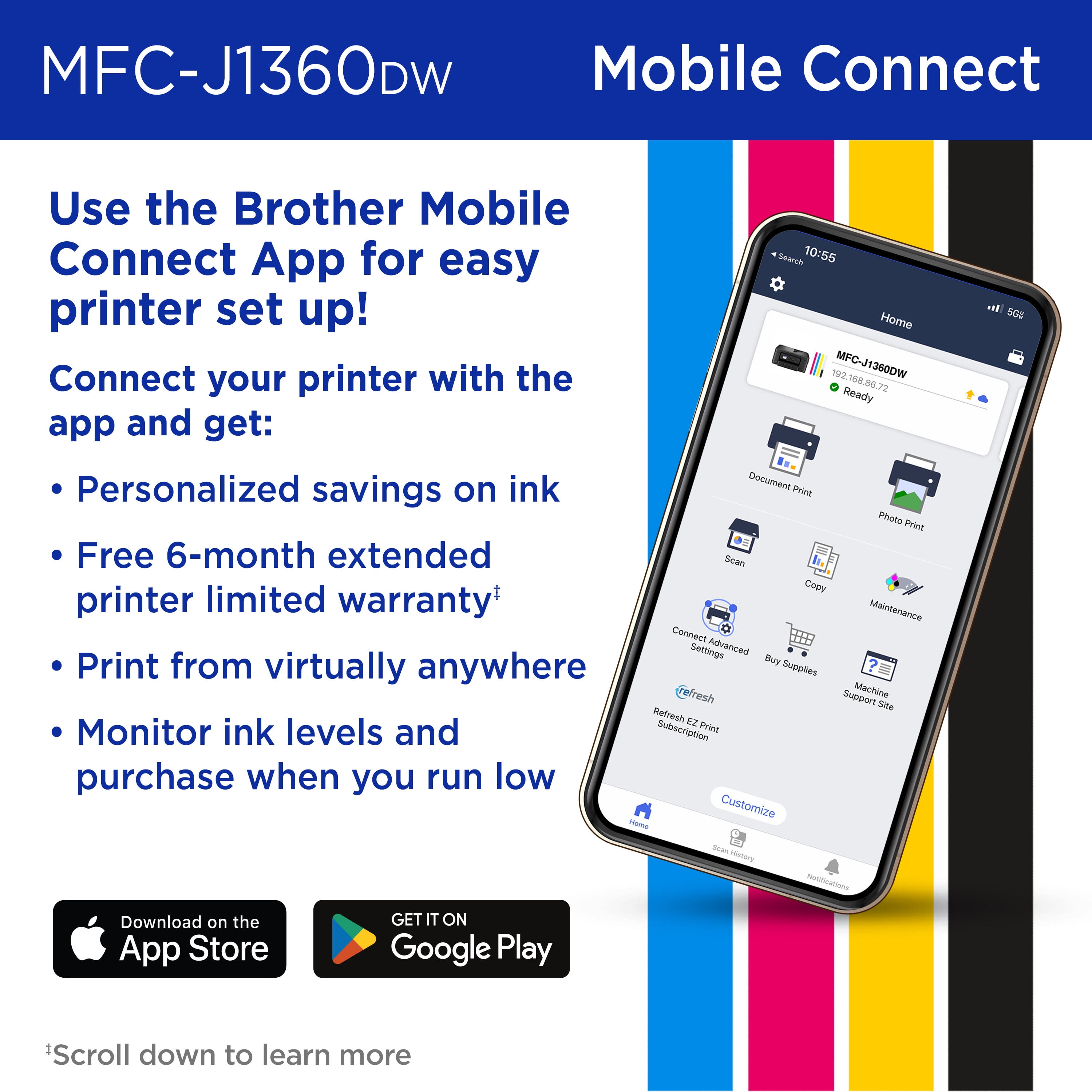
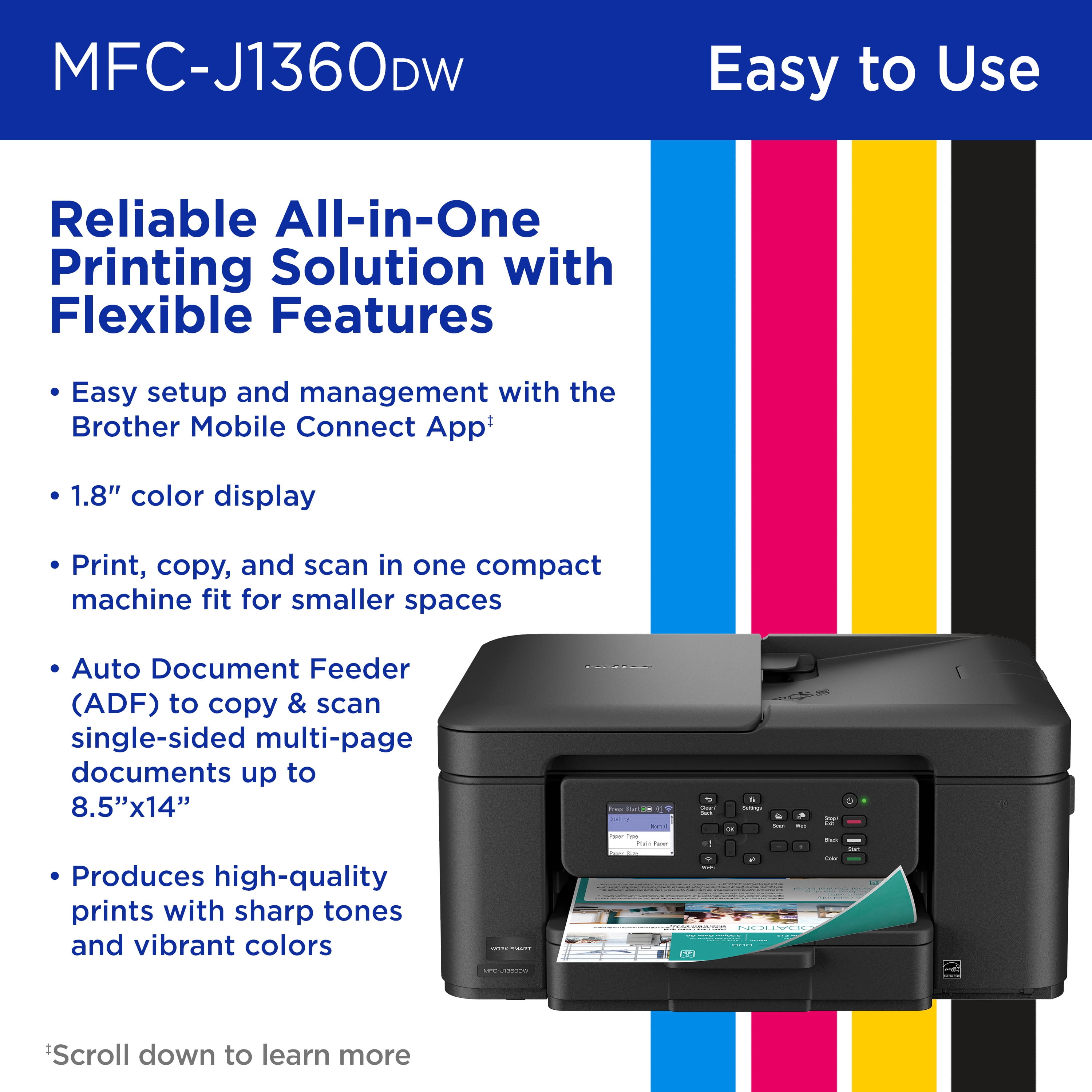
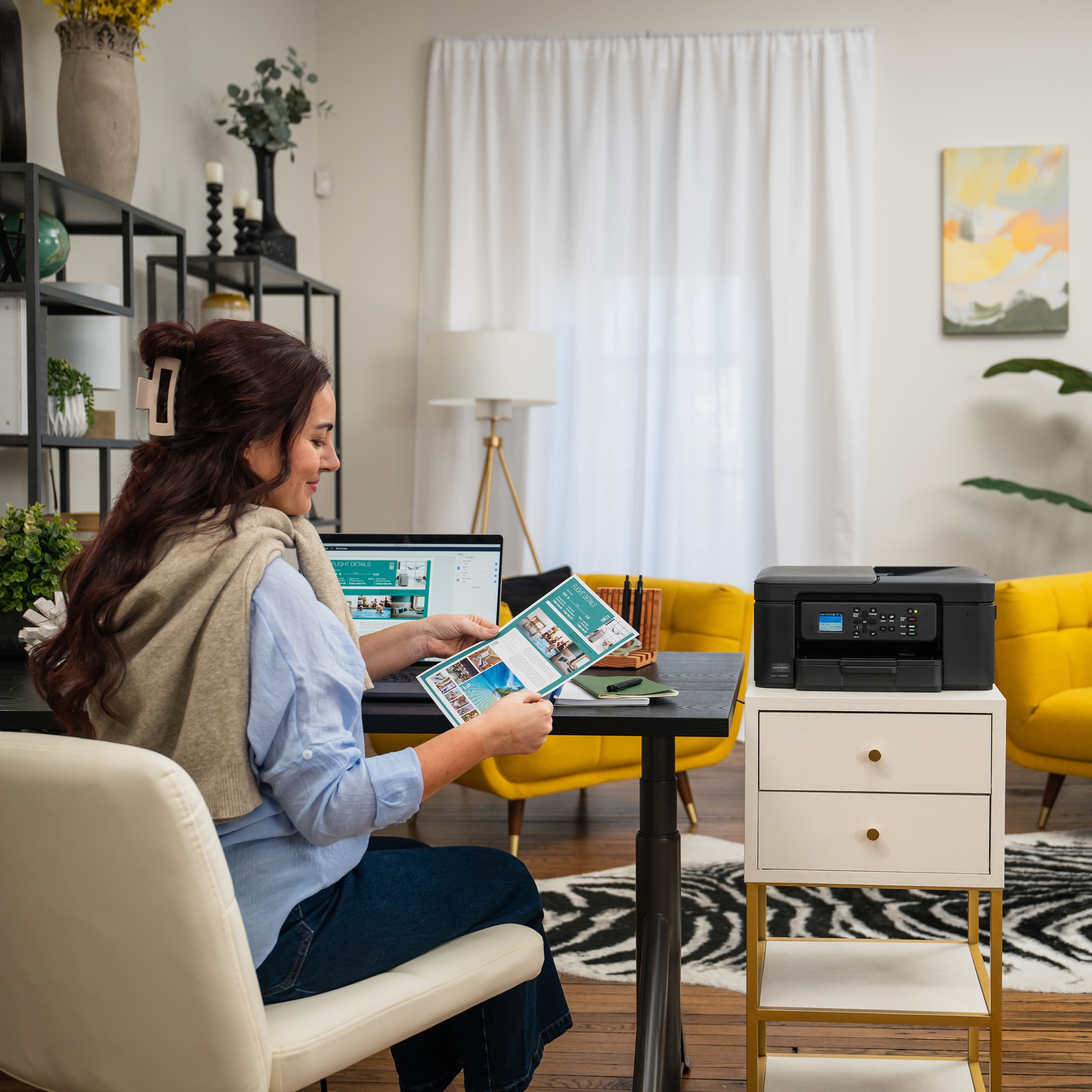
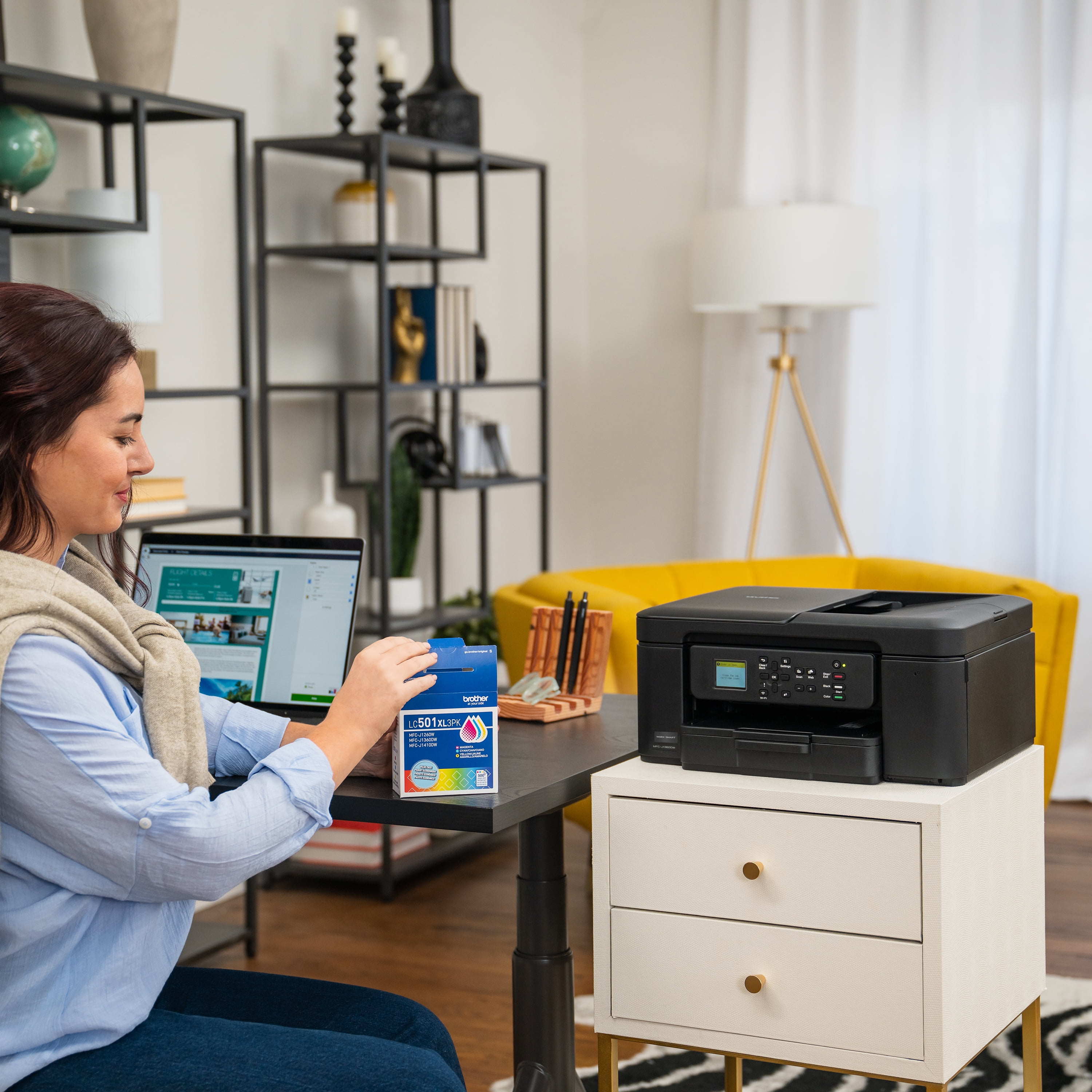
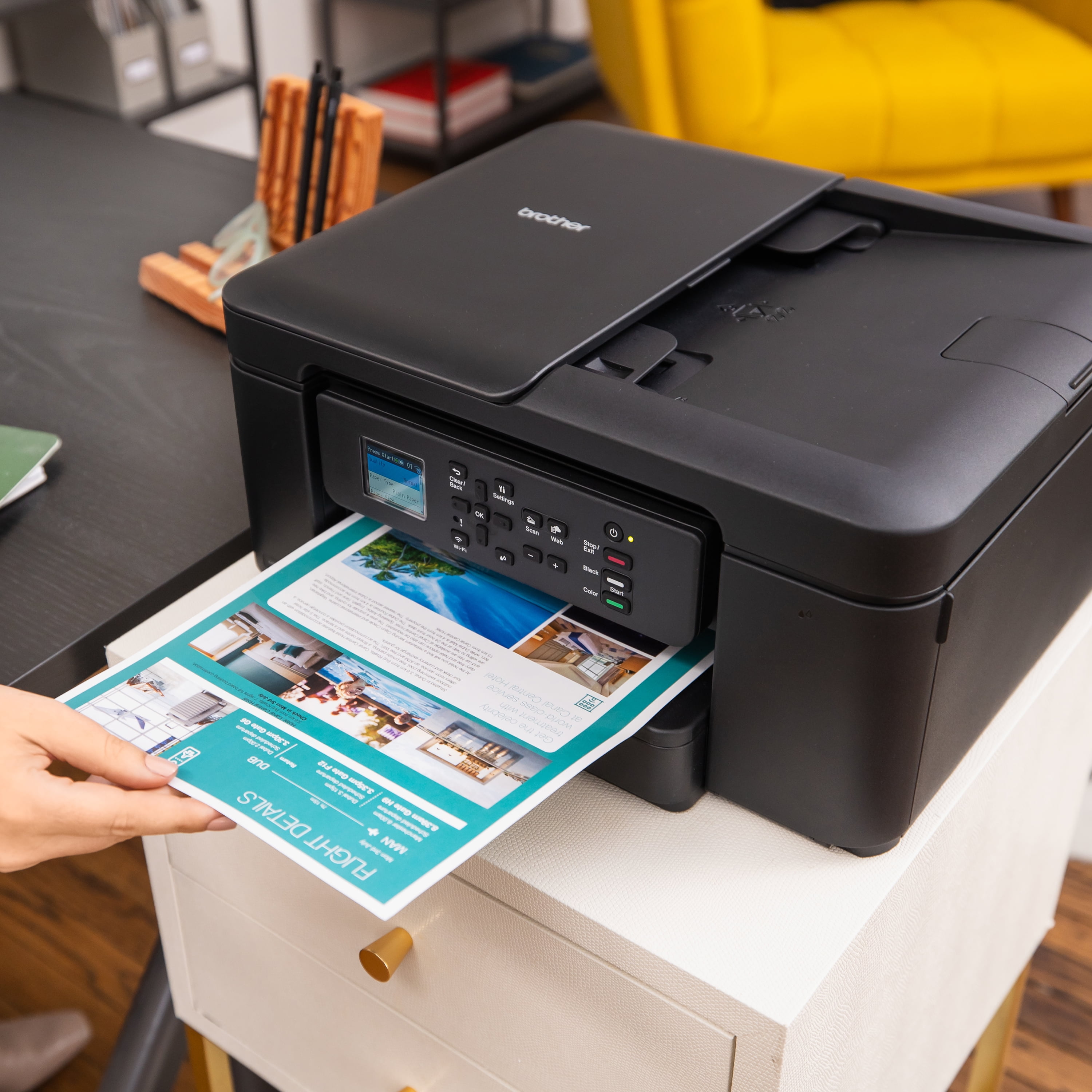
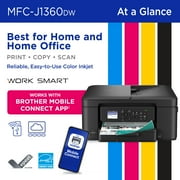
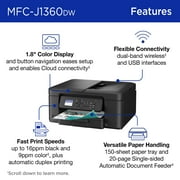
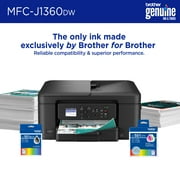
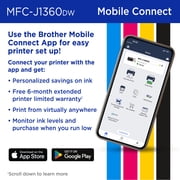
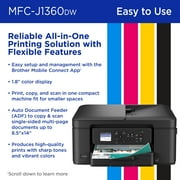
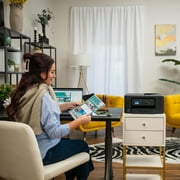
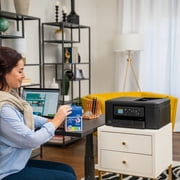
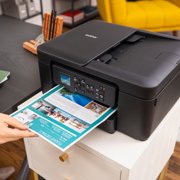
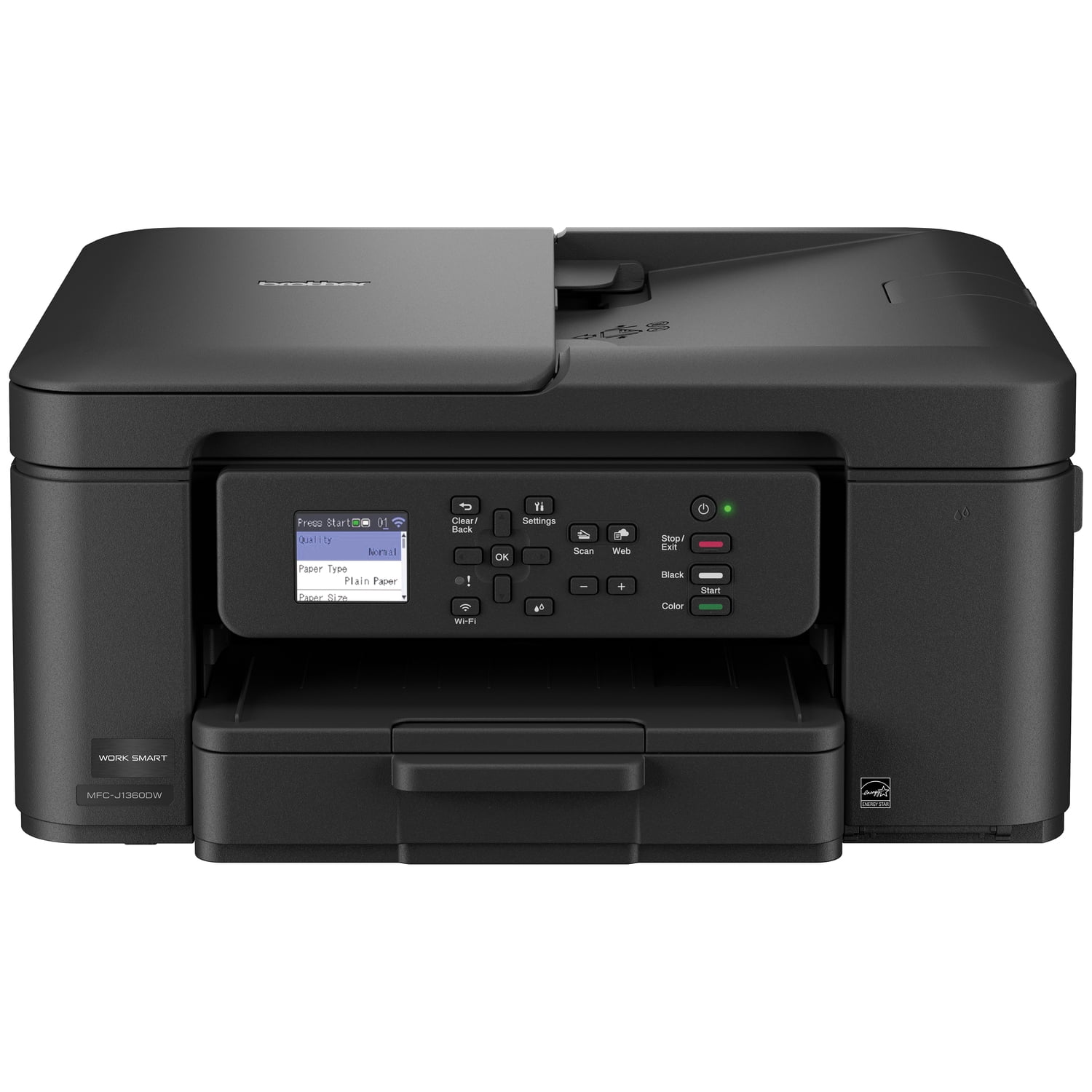
- Looking for a reliable printer that’s easy to use? The Brother Work Smart 1360 Wireless All-in-One Color Printer makes everyday printing simple. It prints on both sides automatically, copies or scans stacks of pages for you, and connects easily to your Wi-Fi so you can print from your phone, tablet, or computer using the color screen on the printer. Whether you’re printing to-do lists, schoolwork, or work documents, you’ll get sharp black text and bright color prints at fast speeds. The printer also monitors your ink levels, so you know when it’s time to replace the cartridge. Setup is quick with the Brother Mobile Connect app(1), and once you’re connected, you can print from almost anywhere. For best results, use Brother Genuine LC501 Ink for consistent, dependable printing. Brother MFC-J1360DW Inkjet Printer Helpful Product Details What is the Brother MFC-J1360DW? The Brother MFC-J1360DW is a wireless color inkjet all-in-one printer that can print, scan, and copy in one machine. Can the Brother MFC-J1360DW print on both sides of the paper? Yes. The Brother MFC-J1360DW inkjet printer automatically prints on both sides, which helps save paper and reduce printing costs. Can the Brother MFC-J1360DW scan or copy multiple pages at once? Yes. You can place a stack of pages in the top tray, and the Brother MFC-J1360DW will scan or copy them automatically instead of one page at a time. Can I print from my phone or computer with the Brother MFC-J1360DW? Yes. The Brother MFC-J1360DW inkjet printer lets you print wirelessly from your phone, tablet, laptop, or desktop computer using Wi-Fi1, and also lets you scan documents directly to popular cloud services like Google Drive™ and Dropbox2. What is the 1.8” Color Display screen for the Brother MFC-J1360DW inkjet printer? The color screen on the Brother MFC-J1360DW inkjet printer lets you start copying or scanning, change settings, connect to Wi-Fi, and check ink levels directly on the printer without using a computer. Is the Brother MFC-J1360DW good for home or small office use? Yes. The Brother MFC-J1360DW color inkjet printer is designed for home offices, remote workers, students, and families who need reliable everyday printing. Why choose a Brother inkjet printer? Brother is a brand you can count on. With a long history of making reliable products, Brother designs printers that are dependable, easy to use, and made to last. This focus on consistent, everyday performance is why many people trust Brother. Why choose an inkjet or laser printer? Inkjet and laser printers are designed for different printing needs. Inkjet printers are great for everyday home use, offering vibrant color, photo-quality prints, and low-cost color printing, especially if you print regularly. Laser printers are ideal for fast & high-volume document printing, delivering sharp text, quick speeds, and consistent results for home offices and small businesses use. What kind of customer support do I get when I purchase a Brother product? Brother offers reliable customer support to help you get the most out of your machine. Customers have access to product support resources, including user manuals, online help, and dedicated customer service for setup and troubleshooting questions. For additional assistance, please contact Brother Customer Service at 1-877-552-6255.
| Brand | Brother |
| Printing tech | Inkjet |
| Printer functions | |
| Pages per min. | 16 ppm |
| Mono color | Color |
| Paper size | letter, legal |
| Maximum print resolution | 6000 dpi |
| Printed page method | Duplex |
| Has automatic document feeder | N |
| Wireless | Wireless |
| Compatible OS | For the latest OS compatibility and to download drivers, visit support.brother.com. |
| Features | Multi-Page Copy |
| Maximum scan paper size | 11 in (27.9 cm) |
| Maximum scanner resolution | 1200 dpi |
| Maximum image resolution | 1200 |
| Product multifunction descriptor | 3-in-1 |
| Pages per min | 9 Pages Per Minute |
| Copy speed | 9 ppm |
| First page print speed | 6 s |
| Maximum print width | 8.5 in (21.6 cm) |
| Maximum print length | 14 in (35.6 cm) |
| Maximum duty cycle | 2500 |
| Input/output type | Wireless |
| Inputs & outputs | Inputs - USB |
| Model name | MFC-J1360DW |
| Color | Black - New Model |
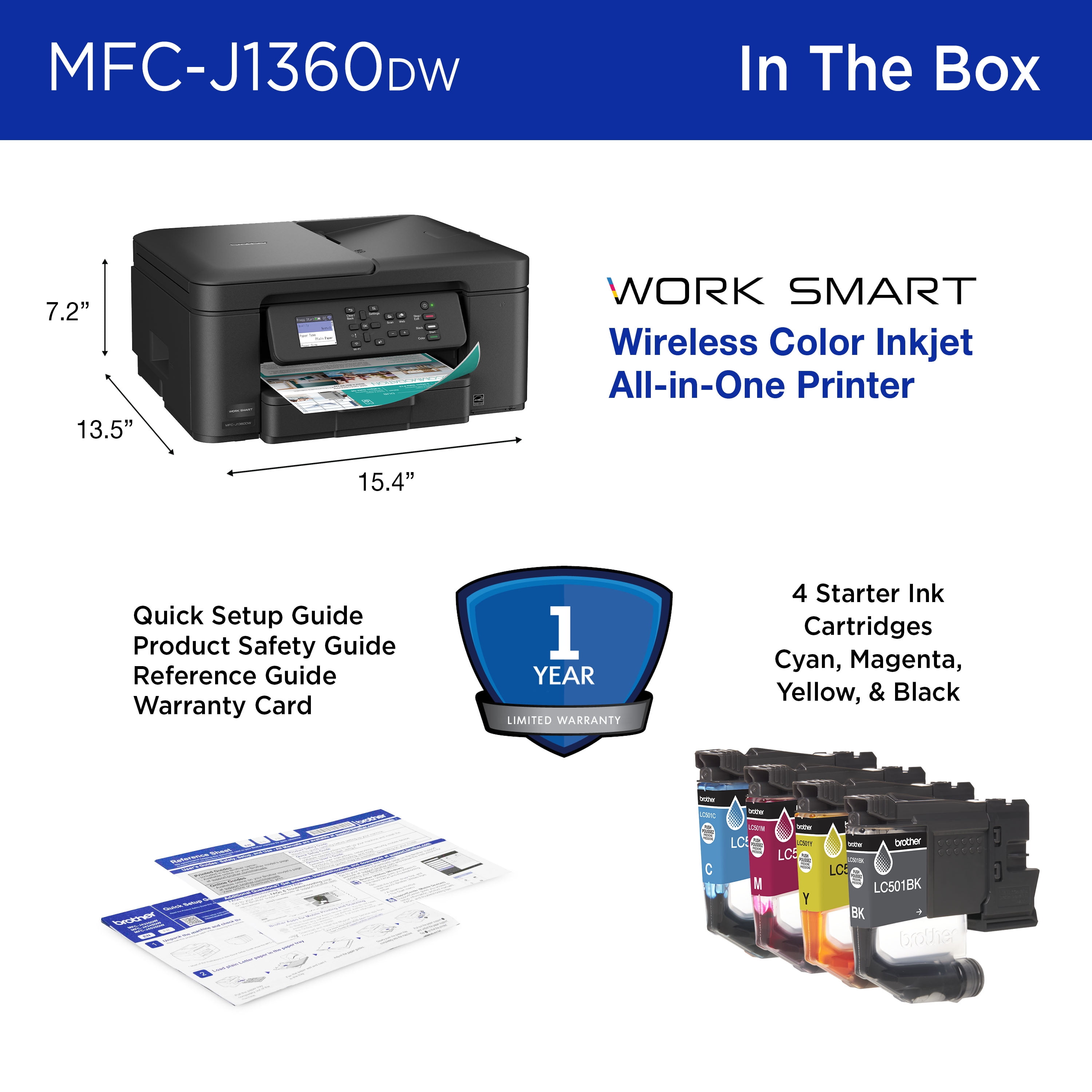
| Assembled product height | 7.2 in (18.3 cm) |
| Assembled product weight | 16.8 lb (7.62 kg) |
| Input/output quantity | 1 |
| Warm-up time | 6.2 s |
| Power type | Corded Electric |
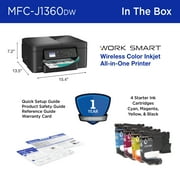
| Accessories included | Starter Black Ink Cartridge (200 pages)14, Starter Cyan, Magenta, Yellow Ink Cartridges (200 pages)14 & AC Power Cord, |
| Internal memory | 256 MB |
| Ink container type | Ink Cartridge |
| Ink refill code | LC501 |
| Display screen width | 1.8 in (4.6 cm) |
| Display screen length | 1.8 in (4.6 cm) |
Product Description
Have any Query? Chat with us
Customer Questions & Answers
-
Question:
What are the printing speeds of the Brother Work Smart 1360?
Answer: It prints up to 16 pages per minute in black and 9 pages per minute in color. -
Question:
Can I print from cloud apps?
Answer: Yes, you can print from and scan to popular cloud apps like Google Drive, Dropbox, and OneDrive. -
Question:
Does it support wireless connectivity?
Answer: Yes, it supports wireless connection as well as USB connectivity options.
Brother Wireless Printers Editorial Review
No editorial reviews found
Customer Reviews & Ratings
2976 customers ratings
-
5 Star
61%
-
4 Star
16%
-
3 Star
7%
-
2 Star
4%
-
1 Star
9%
Review this product
Share your thoughts with other customers
Product Price History
Important information
- Limitations : For products shipped internationally, please note that any manufacturer warranty may not be valid; manufacturer service options may not be available; product manuals, instructions, and safety warnings may not be in destination country languages; the products (and accompanying materials) may not be designed in accordance with destination country standards, specifications, and labeling requirements; and the products may not conform to destination country voltage and other electrical standards (requiring use of an adapter or converter if appropriate). The recipient is responsible for assuring that the product can be lawfully imported to the destination country. When ordering from Ubuy or its affiliates, the recipient is the importer of record and must comply with all laws and regulations of the destination country.
- Not all the products listed on Ubuy are for sale, as Ubuy is a global search engine. Products are subject to export/trade regulations.
SCR 2132
Order now and get it around Tuesday, July 07
This item is not restrict in my country.(Please click on above link if this item is not restrict in your country, So our team will review and allow.)
QTY:
Only 12 items left in stock.
Secured transaction
Ubuy works hard to protect your security and privacy. Our advanced payment security system ensures confidentiality by encrypting your information during transmission using AES (Advanced Encryption Standards) and SSL (Secure Socket Layer) protocols. Your payment details are 100% secure as we do not share your payment details with third party sellers.
Our Top Logistics Partners
Fastest cross-border delivery
Features & Benefits
- Multifunction capabilities: Print, copy, and scan all in one device.
- Fast print speeds: Up to 16 pages per minute in black and 9 in color.
- Automatic duplex printing: Save time and paper with double-sided printing.
- Easy mobile and cloud connectivity: Print and scan from popular apps.
- User-friendly interface: Navigate easily with the 1.8” color display.
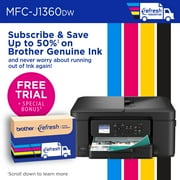
- Robust customer support and genuine ink for reliable performance.